


Introduction
Messaging apps har roz hamaari communication ka ek integral hissa ban gaye hain. Google Messages bhi unme se ek popular messaging platform hai jo Android users ke liye seamless texting experience provide karta hai. Recently, Google ne apni RCS Beta Badges feature ko launch kiya hai, jo messaging ko aur bhi interactive aur engaging bana raha hai.
Is article mein, hum detail mein discuss karenge ki Google Messages RCS Beta Badges kya hain, kaise kaam karte hain, unke benefits kya hain, aur users kaise is feature ka maximum fayda utha sakte hain.
Table of contents
Google Messages RCS Beta Badges: Overview
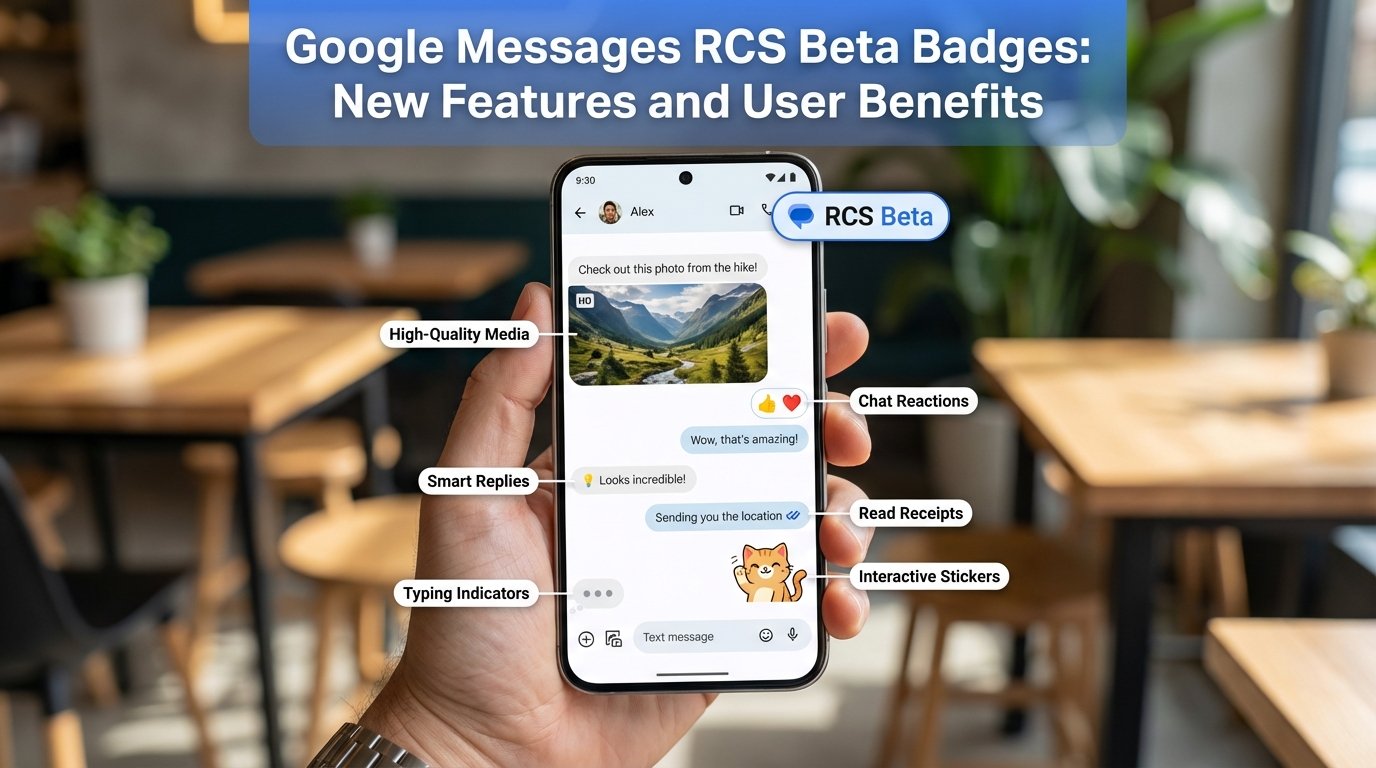
RCS ya Rich Communication Services ek advanced messaging protocol hai jo traditional SMS ka modern version hai. RCS messages allow karte hain:
- High-quality media sharing (images, videos, GIFs)
- Read receipts aur typing indicators
- Group chat features
Google Messages ne ab RCS Beta Badges feature introduce kiya hai, jo users aur businesses ke liye additional trust aur recognition provide karta hai.
Beta badges basically ek visual indicator hain jo identify karte hain ki ek user ya business RCS ke beta program ka part hai ya unhone advance messaging features activate kiye hain.
Key Features of RCS Beta Badges
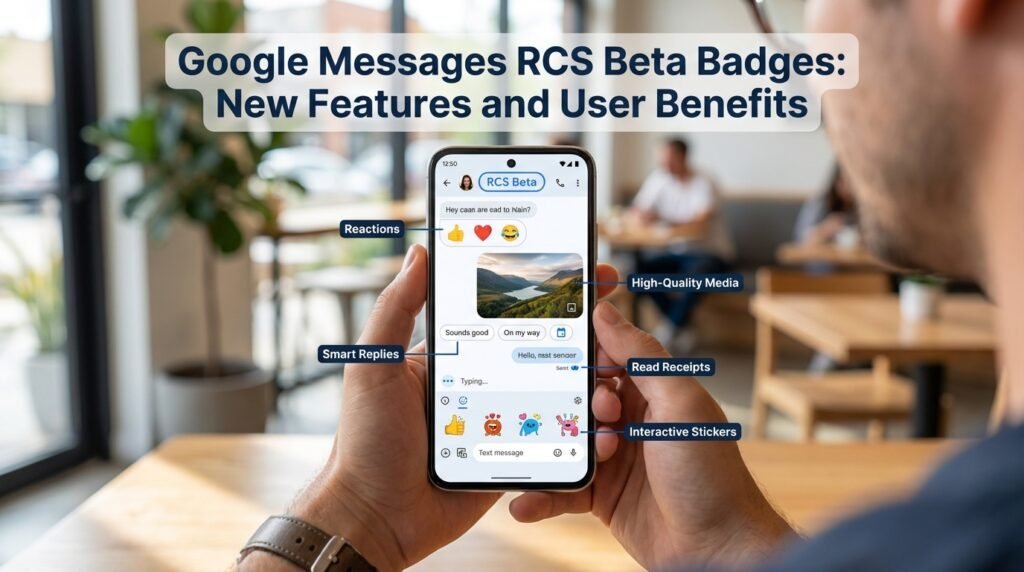
Google Messages RCS Beta Badges mein multiple types of badges available hain. Yeh badges users ko feature access aur credibility ke basis pe identify karte hain.
Verified Business Badge
- Business accounts ke liye design kiya gaya badge
- Shows ki business verified hai aur authentic hai
- Helps users trust the messages received from businesses
- Displayed next to the business name in chat
Chat Features Badge
- Users jo RCS chat features enable karte hain unke liye
- Indicates ki aap read receipts aur rich media features use kar sakte hain
- Improves transparency aur engagement in conversations
Beta User Badge
- Early adopters ke liye who join RCS beta program
- Users ko exclusive testing aur new features access karne ka moka
- Badge shows ki aap actively new messaging innovations try kar rahe hain
User Benefits of Google Messages RCS Beta Badges
Enhanced Communication
- Rich Media Support: Photos, videos, GIFs aur stickers easily share ho sakte hain
- Real-Time Updates: Read receipts aur typing indicators se conversations more interactive bante hain
- Seamless Group Chats: Group messaging experience improve hota hai
Increased Trust and Security
- Verified badges se users ko confidence milta hai ki they are chatting with authentic contacts or businesses
- Reduces risk of spam aur phishing messages
Improved Engagement
- Messages with badges get more attention aur response rate higher hota hai
- Businesses can engage users better with verified and feature-rich messaging
How to Get RCS Beta Badges
- Update Google Messages App: Ensure aap latest version use kar rahe hain
- Enable Chat Features: Settings > Chat features > Turn on
- Join Beta Program (Optional):
- Open Google Messages
- Go to Settings > Advanced > Join Beta
- Wait for Badge Approval: Verified aur beta badges automatically appear once approved
Comparison: RCS Beta vs Regular SMS
| Feature | Regular SMS | RCS Beta Messages |
|---|---|---|
| Media Sharing | Limited (text only) | Images, videos, GIFs |
| Read Receipts | ❌ | ✅ |
| Typing Indicators | ❌ | ✅ |
| Group Chat | Basic | Enhanced with rich features |
| Verification | ❌ | ✅ (with badges) |
| User Engagement | Low | High |
Key Takeaway: RCS Beta Badges provide a modern, secure, and engaging messaging experience, far superior to traditional SMS.
Tips for Maximizing RCS Experience
- Keep App Updated: Latest updates ensure best feature availability
- Use Badges Wisely: Businesses should display verified badges prominently
- Engage with Rich Media: Send images, stickers, and videos for better interaction
- Check Chat Features: Enable read receipts and typing indicators for seamless conversations
- Join Beta Early: Early access to new features improves your messaging experience
Frequently Asked Questions (FAQs)
Q1: What are Google Messages RCS Beta Badges?
A: They are visual indicators showing a user or business is part of the RCS beta program or has enabled advanced chat features.
Q2: How can I get a RCS Beta Badge?
A: Update Google Messages, enable chat features, and optionally join the beta program. Approved badges will appear automatically.
Q3: Are RCS Beta Badges available for all users?
A: Mostly for users with compatible devices and Google Messages app. Some badges require joining the beta program.
Q4: Do RCS Beta Badges improve message security?
A: Yes, verified badges indicate authentic users or businesses, reducing risk of spam or phishing.
Q5: Can I send media through RCS Beta messages?
A: Absolutely! Photos, videos, GIFs, and stickers can be shared seamlessly.
Q6: Is there any cost for using RCS Beta features?
A: No, Google Messages RCS Beta features are free to use.
Q7: Will RCS Beta messages work on iPhone?
A: RCS features are primarily for Android devices; iPhone users may not see all features.
Conclusion
Google Messages RCS Beta Badges ek powerful addition hain jo messaging ko secure, interactive, aur engaging banate hain. Chahe aap ek regular user ho ya business, ye badges aapke messaging experience ko next level pe le jaate hain.
Key takeaways:
- Badges increase trust aur authenticity
- Rich communication features improve engagement
- Early beta users get exclusive feature access
Ab aap apne Google Messages experience ko enhance kar sakte hain, aur naye RCS Beta Badges ke benefits ka maximum fayda utha sakte hain.