


Table of contents
- Why a Proper Gaming Desk Setup Matters
- Choosing the Right Gaming Desk
- Ergonomics: The Foundation of Comfort
- Monitor Setup for Maximum Performance
- Keyboard and Mouse Setup
- Lighting Setup: Style Meets Function
- Cable Management for a Clean Look
- Gaming Accessories That Improve Performance
- Gaming Desk Setup for PC Gamers
- Gaming Desk Setup for Console Gamers
- Gaming Desk Setup for Streamers
- Small Room Gaming Desk Setup Ideas
- Balancing Comfort and Style
- Budget vs Premium Gaming Desk Setups
- Common Gaming Desk Setup Mistakes
- Health Tips for Long Gaming Sessions
- Future Trends in Gaming Desk Setups
- Frequently Asked Questions (FAQs)
- Conclusion
A great gaming experience is built on more than just powerful hardware. Your gaming desk setup plays a crucial role in how comfortable, focused, and efficient you feel during long gaming sessions. Whether you are a casual gamer, competitive esports player, or content creator, a well-designed gaming desk setup can significantly enhance your performance while adding style to your space.
In this comprehensive guide, we will explore how to create the perfect gaming desk setup that blends comfort, performance, and style. From choosing the right desk and chair to optimizing monitor placement, lighting, cable management, and accessories—this article covers everything you need.
Why a Proper Gaming Desk Setup Matters

Gaming sessions often last hours, and poor setups can cause long-term health problems. A well-organized gaming desk setup helps:
- Reduce back, neck, and wrist strain
- Improve focus and reaction time
- Enhance gaming performance
- Create a visually appealing gaming environment
Comfort and efficiency are just as important as graphics and frame rates.
Choosing the Right Gaming Desk
Desk Size and Space Planning
Choose a desk that fits your room and equipment:
- Small desks (47–55 inches): Single-monitor setups
- Medium desks (55–63 inches): Dual-monitor setups
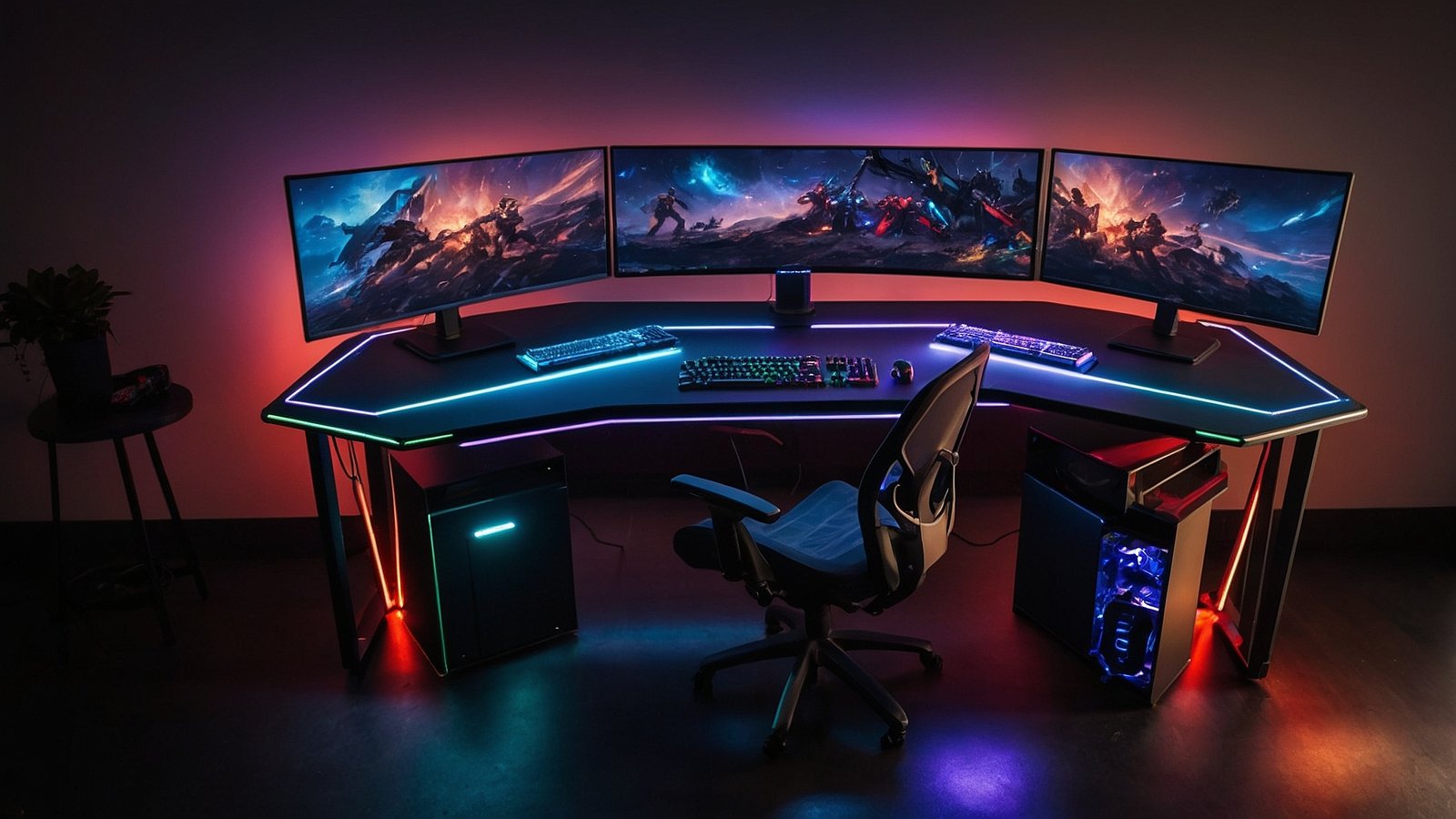
- Large desks (63–75+ inches): Multi-monitor or streaming setups
Always leave enough space for chair movement and airflow.
Desk Shapes
- Straight desks: Simple and budget-friendly
- L-shaped desks: Best for multitasking and space efficiency
- Height-adjustable desks: Ideal for long gaming sessions
Desk Materials
- Wood: Durable and classic
- Metal frame: Stability and strength
- Carbon-fiber finish: Modern gaming look
Ergonomics: The Foundation of Comfort
Gaming Chair Setup
A high-quality gaming chair should offer:
- Adjustable height
- Lumbar support
- Neck and headrest
Your feet should rest flat on the floor, and your knees should form a 90-degree angle.
Desk Height
The desk height should allow:
- Elbows at a 90-degree angle
- Forearms parallel to the desk surface
Posture Tips
- Sit upright with back support
- Avoid leaning forward
- Keep shoulders relaxed
Monitor Setup for Maximum Performance
Single Monitor Setup
- Place the monitor directly in front
- Top of the screen at eye level
- Distance: 20–30 inches
Dual or Triple Monitor Setup
- Main monitor centered
- Secondary monitors angled inward
- Use monitor arms to save space and improve flexibility
Proper monitor placement reduces neck strain and improves reaction time.
Keyboard and Mouse Setup
Keyboard Selection
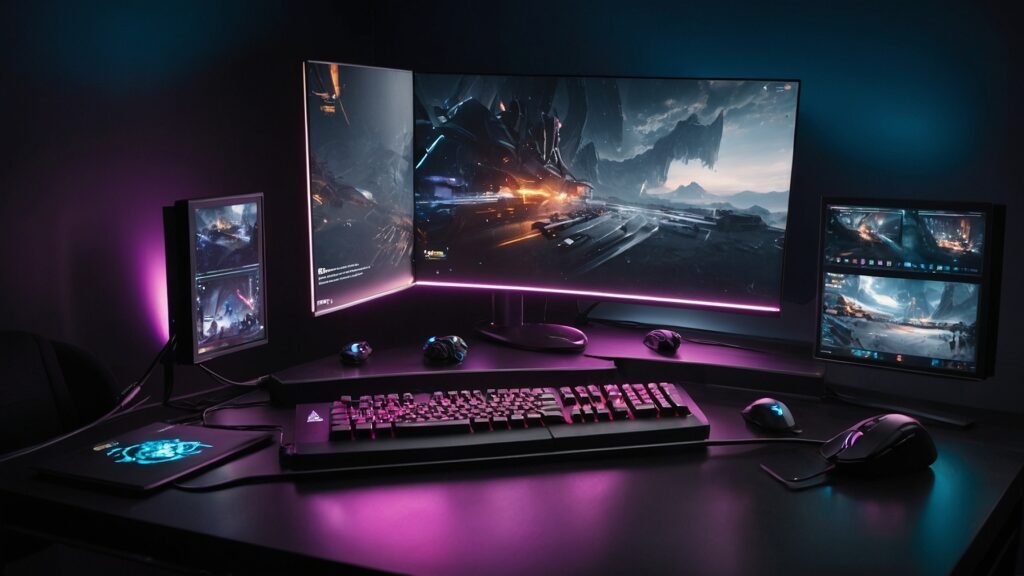
- Mechanical keyboards for faster response
- Wrist rest for comfort
Mouse Setup
- Adjustable DPI gaming mouse
- Large mouse pad for smooth tracking
Wrist Positioning
- Keep wrists straight
- Avoid bending or resting on hard edges
Lighting Setup: Style Meets Function
RGB Lighting
- LED strips under the desk
- Backlighting behind monitors
Task Lighting
- Desk lamp with warm light
- Reduces eye strain during night gaming
Streaming Lighting
- Key light for face
- Fill light to remove shadows
Lighting enhances both performance and aesthetics.
Cable Management for a Clean Look
Messy cables ruin the look and airflow of a gaming setup.
Cable Management Tools
- Cable trays under desk
- Velcro ties
- Cable sleeves
- Desk grommets
A clean desk improves focus and style.
Gaming Accessories That Improve Performance
- Monitor arms
- Headphone stand
- Controller holder
- Stream deck
- Desk mat
These accessories help maintain organization and efficiency.
Gaming Desk Setup for PC Gamers
PC Placement
- Place PC on the desk or in a ventilated CPU holder
- Avoid placing on carpet
- Ensure airflow
Performance Optimization
- Keep cables tidy
- Use cooling pads if needed
Gaming Desk Setup for Console Gamers
- Place console on side shelf
- Ensure proper ventilation
- Keep controllers organized
Console gamers benefit from simple, clutter-free layouts.
Gaming Desk Setup for Streamers
Streamers need additional space and equipment.
Streaming Essentials
- Microphone on boom arm
- Webcam
- Stream deck
- Lighting setup
Desk Layout
- One side for gaming
- One side for streaming equipment
Small Room Gaming Desk Setup Ideas
- Use corner or L-shaped desks
- Wall-mounted shelves
- Vertical storage solutions
- Compact accessories
Small spaces can still look premium with smart planning.
Balancing Comfort and Style
A stylish setup doesn’t have to sacrifice comfort.
Color Themes
- Black & RGB for gaming
- White & minimal for modern look
- Wood tones for warmth
Décor Ideas
- Wall art
- LED panels
- Plants for freshness
Budget vs Premium Gaming Desk Setups
Budget Setup
- Simple desk
- Single monitor
- Basic lighting
Premium Setup
- Adjustable desk
- Multi-monitor arms
- Smart RGB lighting
Both can be stylish and comfortable when optimized properly.
Common Gaming Desk Setup Mistakes
❌ Desk too small
❌ Poor posture
❌ Ignoring cable management
❌ Bad lighting
❌ Overcrowding the desk
Avoiding these mistakes ensures long-term comfort.
Health Tips for Long Gaming Sessions
- Take breaks every hour
- Stretch arms and neck
- Use blue-light filters
- Stay hydrated
Comfort is a habit, not just furniture.
Future Trends in Gaming Desk Setups
- Smart desks with wireless charging
- Modular desk designs
- Wireless peripherals
- Integrated RGB ecosystems
Gaming setups are becoming smarter and more ergonomic.
Frequently Asked Questions (FAQs)
1. What is the best gaming desk setup for long sessions?
An ergonomic desk and chair, proper monitor height, good lighting, and regular breaks.
2. Are L-shaped desks good for gaming?
Yes, they offer more space and better organization for multitasking and streaming.
3. How important is lighting in a gaming desk setup?
Lighting reduces eye strain and improves the overall visual appeal of your setup.
4. Can I combine gaming and work on one desk?
Yes, especially with an L-shaped or large desk setup.
5. How do I keep my gaming desk clean and stylish?
Use cable management tools, minimal accessories, and smart storage solutions.
6. Is a gaming desk setup worth investing in?
Absolutely. A good setup improves comfort, performance, and long-term health.
Conclusion
A well-designed gaming desk setup is the perfect combination of comfort, performance, and style. By focusing on ergonomics, proper layout, lighting, and organization, you can create a gaming space that not only looks amazing but also supports long, productive gaming sessions.
Whether you’re gaming casually or streaming professionally, investing in the right desk setup will elevate your entire experience.